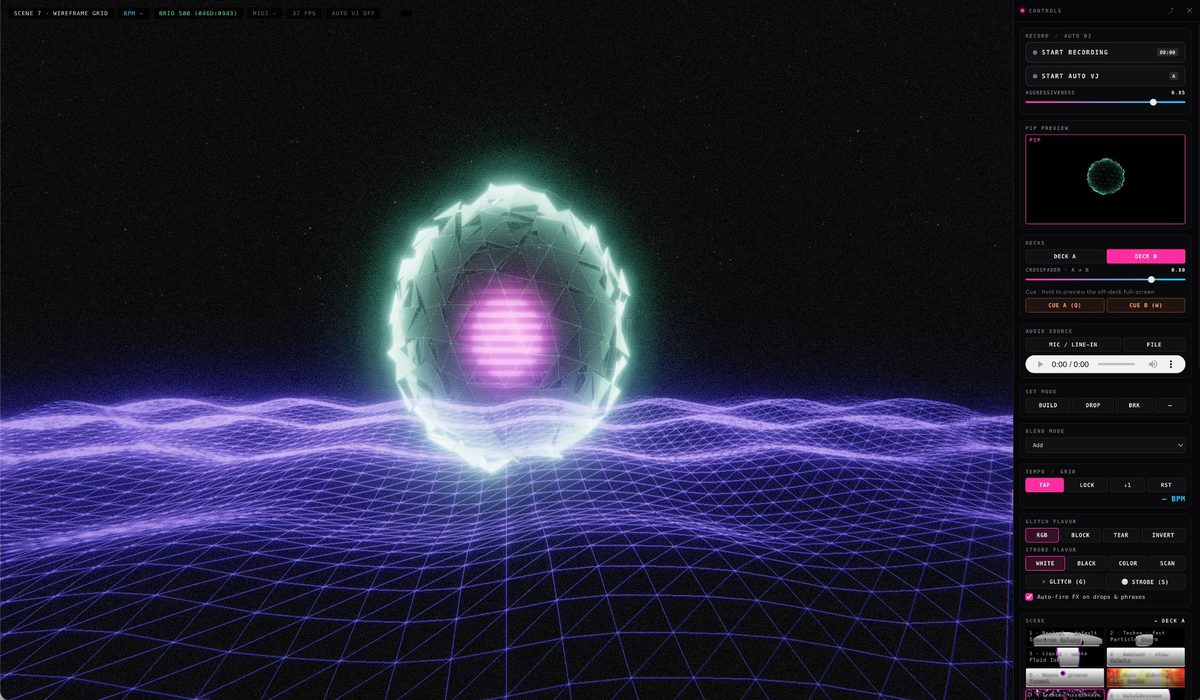
PULSE is a browser-based VJ visualiser for DJs and live performers. It listens to the music, finds the beat and drives twelve 3D scenes in time with it. Its Auto VJ mode can run the whole show alone, following each track's builds, drops and breakdowns.
The Brief
Live visuals at music events are often an afterthought: looping animations, generic waveforms and stock footage with no connection to what is playing. PULSE set out to give DJs and performers visuals that follow the music, without a dedicated VJ or a complex software setup.
The Challenge
Visuals that follow a set have to know where the beat is. Tempo changes from track to track, and a breakdown can drop the kick for bars at a time, so the timing cannot rely on a fixed BPM. The tool also had to run in a browser and feed a projector.
The Approach
PULSE runs in the browser on Three.js. It takes audio from a mixer's booth or record output through an audio interface, from a microphone, or from a file, and analyses it with the Web Audio API. Tempo comes from the best source available: MIDI clock first, then tap tempo, then its own beat detection, which tracks the kick and bass between 70 and 180 BPM.
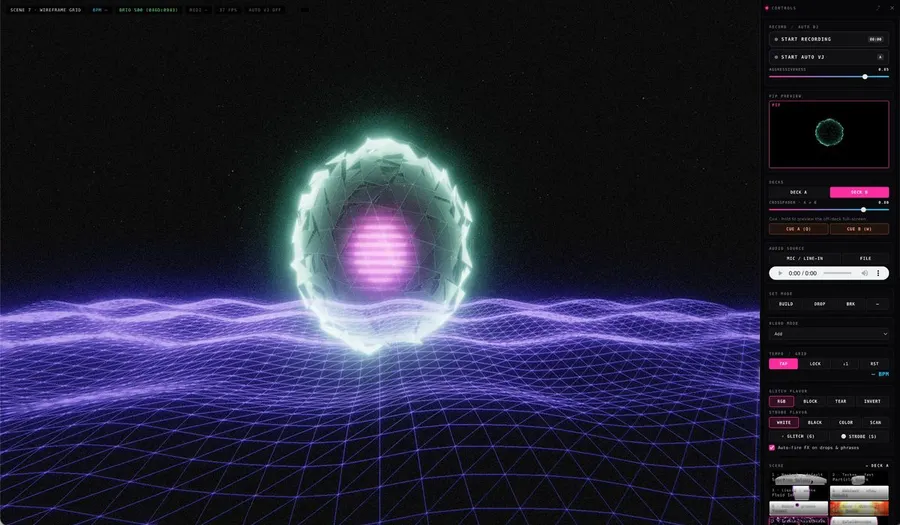
Twelve 3D scenes react to rhythm, frequency and energy, from Spectrum Galaxy and Tunnel to Bass Quake and Mycelium. Bloom, trails, glitch and monochrome effects sit on top, and a MIDI controller can switch scenes and play the controls.
Auto VJ lets PULSE run a show with no VJ at all. It locks to the kick drum, reads the energy of each bar, and recognises breakdowns, builds and drops. Scene changes land on the beat and on the bar grid, with a hard cut on the drop. It also plays every slider, and when the performer grabs one, Auto VJ hands it over for 16 beats.
For a show, PULSE opens a separate output window for the projector, with blackout and clean-screen modes. It records the visuals at 1080p, 1440p or 4K, with or without the audio.
The Output
PULSE is live at pulse.kurt.computer. It is free and runs in the browser, with no install or signup. I built it with AI coding tools, and the post on building PULSE with AI covers how that collaboration worked.
Frequently asked questions
What is PULSE?
PULSE is a free, browser-based VJ visualiser for DJs and live performers. It listens to live or recorded audio and drives twelve beat-synced 3D scenes, and its Auto VJ mode can run the visuals on its own.
How does PULSE follow the music?
It analyses the audio with the Web Audio API and takes its tempo from MIDI clock, tap tempo or its own beat detection, in that order. Auto VJ locks to the kick drum, reads the energy of each bar and recognises breakdowns, builds and drops, so scene changes land on the beat.
What do I need to use PULSE?
A browser and an audio source: a line-in from a mixer through an audio interface, a microphone, or a music file. A MIDI controller is optional; plug it in before opening the page to map it.
Does PULSE use AI?
The visuals run on audio analysis and beat detection inside the browser, with no AI model involved. AI was part of the build: Kurt Loy developed PULSE with AI coding tools, which he writes about in his post on building PULSE.
Built withThree.js (WebGL) · Web Audio API · Web MIDI API · MediaRecorder · Bloom post-processing · AI-assisted development
Anonymous AI artist, AI-assisted artist development →